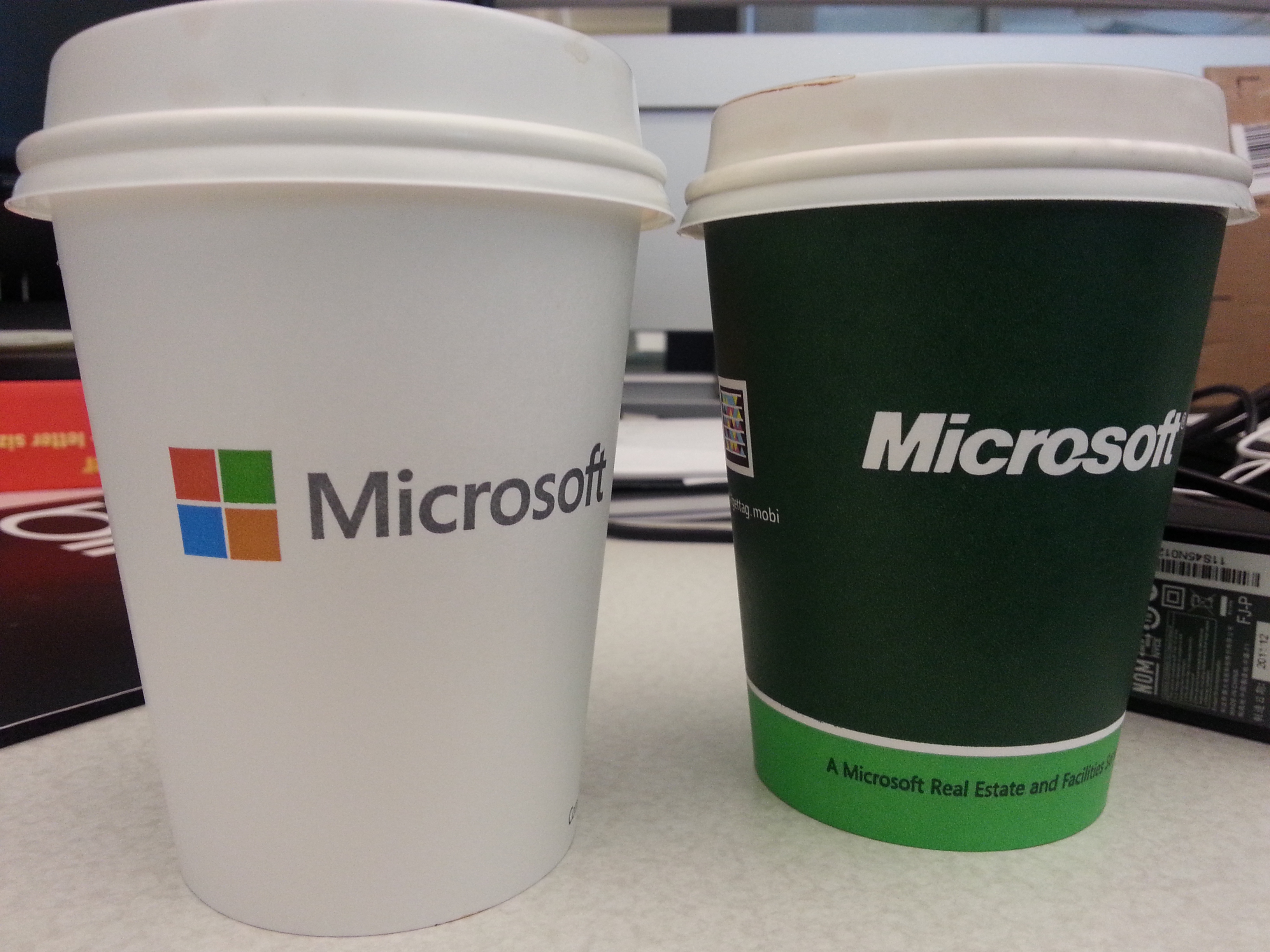
This also tells me wearing white makes it look “thiner”….
2013.8
This also tells me wearing white makes it look “thiner”….
2013.8

어제 날밤샌 이후 오늘 저녁먹기 전까지 밥먹을 시간 없어 밥굶고 일하다가 집에와 저녁 먹고 잠시 쉬어주시고..밤 12시30분 회의(라고 쓰고 전투라 읽는…)를 위해 대기중…허 참 인생…
2013.7

Finally July started.. 앞으로 2주… 오늘도 무사히…
2013.7
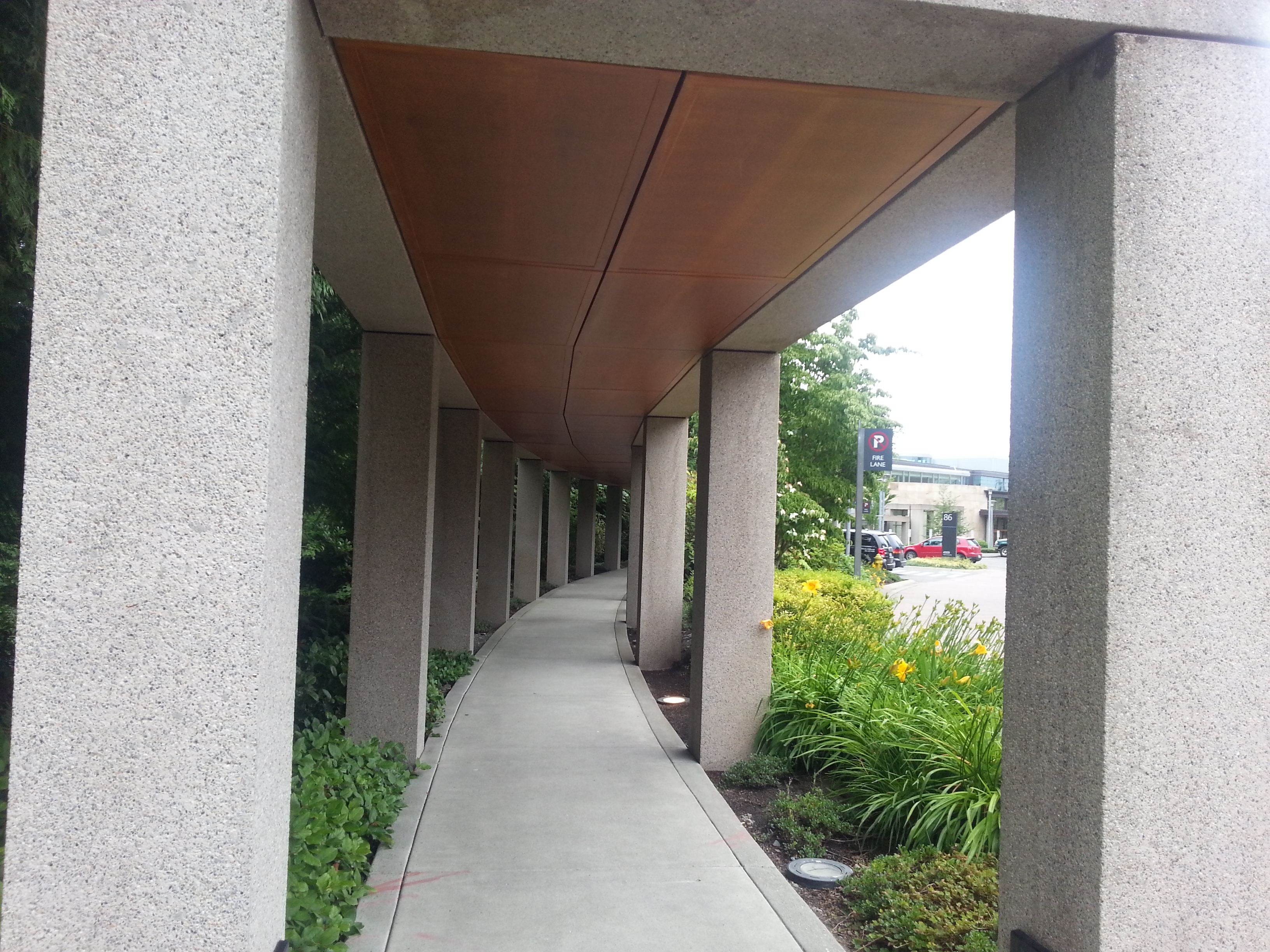
역쉬.. 홍길동 홍길동.. Redmond가 갑이다.
@Redmond
2013.7
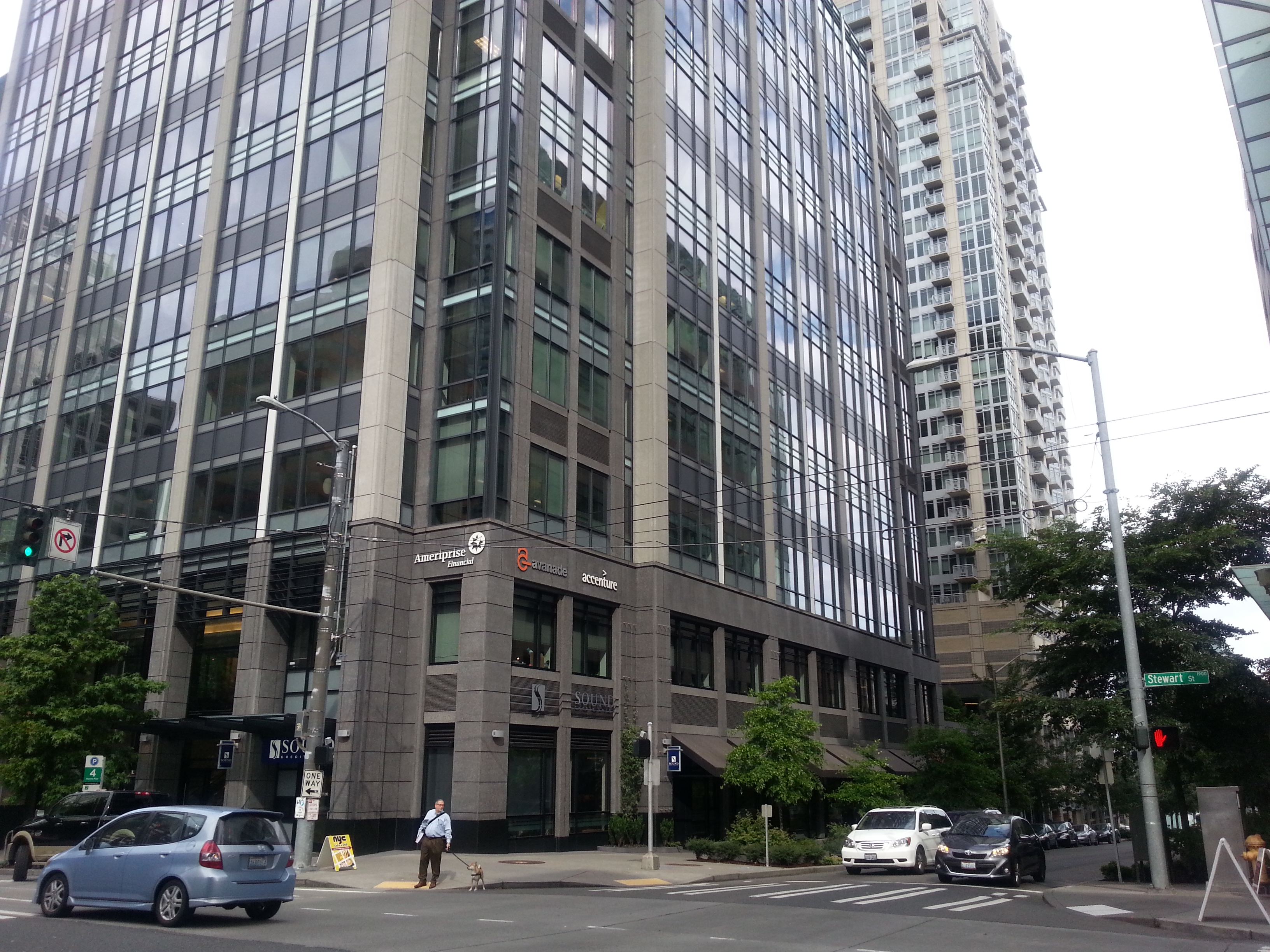
치과에 들렸다가 회사 가는 길 평소에 잘 가지 않는 bus 정류장에서 내려 평소에 잘 지나지 않는 길로 걸어갔다.
가다 오랜만에 보는 반가운 커피집에 들려 한잔 먹으려 발길 돌리는 찰라… 친숙한 로고가 박혀있는 건물 하나 발견..
2013.6

오늘 아침 버스에서 내려서 다운타운에서 회사까지 터벅터벅 걸어오면서 “난 어떤 환경에서 일할 때 즐거웠나?”의 생각을 했다…
결국, 짧은 생각 끝에 내린 결론은 나보다 똑똑한 사람들 주위에서 이런 저런 생각들을 공유하며 가족이란 느낌을 가지며 지냈을 때가 그랬던 것 같다..
이제 낙엽 떨어지는 날까지도 몇달 안남았다…
2013.5

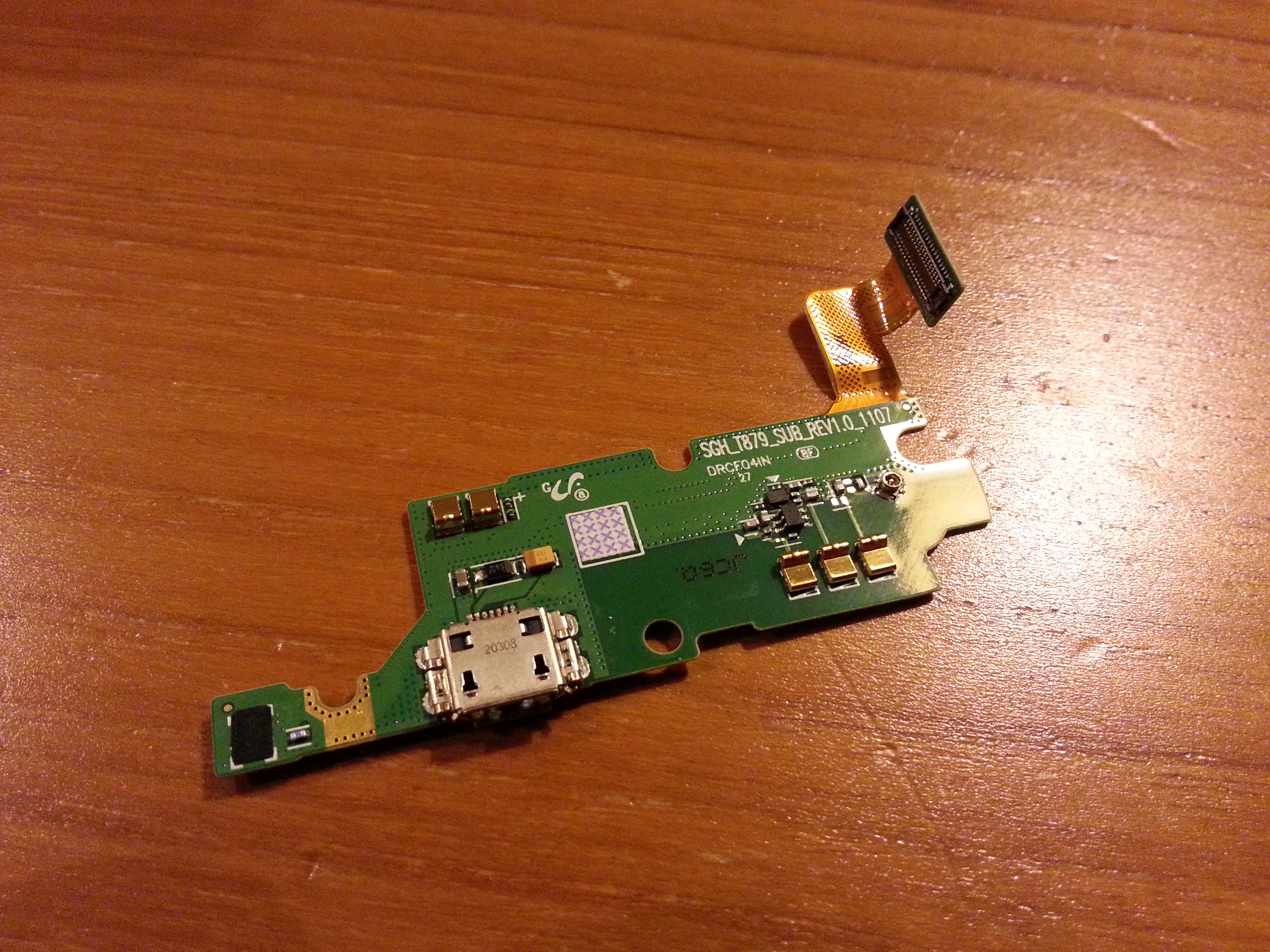
So couple of days ago, my wife’s Galaxy Note was broken – whatever charging cable we tried, the phone hardly get charged – the only case it got charged was when I pulled the charging cable to extream southeast.. It was painful and inconsistent and not a sustainable way.. -_-;
So after some research, I found out, 1) this is not the problem of us only, and we had tons of folks who went thru this process, and 2) some folks do sell USB charging port modules on eBay.. The challenge was finding out the right part for Tmobile version of Note 1 – which is an extreme rare.. (it only sold for a short period with limited quantity)
Luckily enough I was able to order one from eBay, and followed all the directions from the youtube video below
– Open 9 screws at the back
– Open the surrounding cover (so painful!)
– Open 3 screws at the bottom and detach one module
– Open 2 screws at the mainboard
– Detach 6 connection cable points & 1 white line connection point & pull out mainboard
– Detach the white line connection from Charging port module
– Pull out the charging port & reconnect the line connection & all other cables and put back the screws and covers.
The biggest challenge was peeling out the surroundings case because I didn’t have that fancy plastic tool shown in video but I only have my nails as something similar (ouch!!)
With 1st try, it seemed working at first, but power supply seemed to be not feeding into battery.. so…after some thoughts .. I reopened it with hands & nails again (Ouuuuuuuuuuuuuuuuuch!!!!), and found out the cable connecting charging port module to mainboard was not clipped properly.. 😦
Finally, rework after work, finally the galaxy note is back to its life.. 🙂
Gamble of $20 +pain in nails saved me $500.. but thinking this might have been done at one of the Samsung’s service center in Seoul with cheap service fee made me feel sad that I live across the ocean… I do miss that convenience…
Thank you eBay (and who sold this) & Youtube (and the person who shared the video)!
2013.5
Funny ad but, at the same time, isn’t this a shooting on the feet? Looks like it is admitting Lumia/Windows phone is not even in a consideration set, have no passionate fans and only used by servants who seem to have “whatever” mentality…
Nobody fights for Lumia or windows phone..is this a sad story this ad was intended to cover? good try but waste of money… I would fire this copy writing agency….:(
2013.4
Has been noticing LTE mark showing up on my new phone about a week or two ago when the bus passes Factoria in Bellevue, and as the spot was very limited, and obviously looks like there are some handover issues between networks – wasn’t able to connect smoothly and do the real test on how LTE works on phone in running buses.
Finally, had a chance to do the quick test at QFC factoria.. it is much faster than HSPA+… and my new phone gets it well so my fingers are crossed for quick expansion/stablization of LTE network


2013.4

Exploring new lunch choices at Westlake Center Foodcourt.
2013.4
 hello27.net